Keep the drawing and the price connected
Line, area, and individual-item products share one project. The pricing engine uses the saved geometry and company rates, keeping the visual scope and itemized estimate connected as the job changes.
 Free bottleneck review
 Visual estimating & contractor sales
A visual estimating platform for outdoor contractors that turns an early inquiry into a project they can discuss. Customers plan fences, decks, and landscaping on satellite imagery, explore a price range using the company's rates, and send the layout straight to the team for follow-up.
Visit live project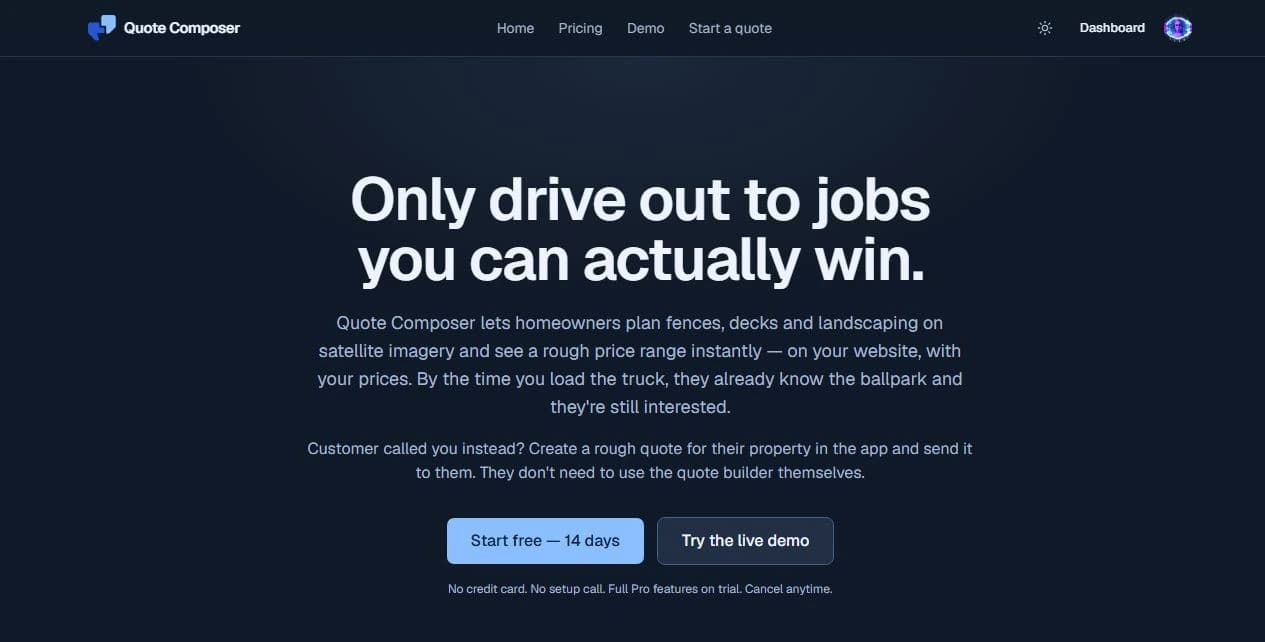
The problem
A request for a new fence or deck often arrives without enough detail to price it. The contractor has to establish the layout, materials, scope, and budget, sometimes driving to the property before learning whether expectations line up. The challenge was to make that first inquiry useful and carry the same project information through the quoting process.
What was built
The approach
Start with the questions both sides need answered: what is being built, where it goes, which products are involved, and what it could cost. The visual builder gives the customer a practical starting point. The contractor receives that context together and retains control of the final scope and price. A phone inquiry can enter the same workflow through the team, so customers do not have to draw the project themselves.
How it works
The contractor adds products, photos, and rates, defines service areas and location-based adjustments, and applies company branding to the customer experience.
The customer draws a project on the company's website or hosted page. Measurements and product choices update the estimate as the layout changes. The team can also prepare and send a starting estimate after a call.
The drawing, measurements, products, price range, and contact details arrive together. The team can review the scope, assign the lead, add notes, and arrange the next conversation or site visit.
After checking the work, the contractor adjusts the layout and line items and sends an exact quote. The customer returns to the same quote link to review, request changes, or sign, with an optional deposit step when configured.
Design and engineering
Line, area, and individual-item products share one project. The pricing engine uses the saved geometry and company rates, keeping the visual scope and itemized estimate connected as the job changes.
A starting range helps establish budget fit. Contractor review turns it into an exact quote, with saved revisions preserving the scope and pricing behind each version.
An embedded builder, a shareable hosted page, and team-created quotes support website visitors and phone inquiries. Company branding carries through the builder, quote page, and email.
AI helps prepare reusable fence and gate visuals from product photos. Those assets appear in the layout, while measured geometry and contractor-defined pricing rules determine the estimate.
Technology
Current boundaries
The working result
Quote Composer connects lead capture with the work of quoting. The customer can explore the scope and budget before requesting a visit, and the contractor can follow up with the project already in view. It shows how focused software can turn a website into a useful part of the sales process and keep the details together through the final quote.